 JobClay
Your website
How do I add a job board to my website?
Give the board an address of its own, such as jobs.yoursite.com, and put a Jobs link in your website’s menu. Visitors land on a full job board in your logo and colour, with jobs, company pages, applications and job alerts. JobClay has no plugin and no embeddable widget, so nothing is installed on your website: the board is a site of its own, and your menu links to it like any other page.
The jobclay.app address comes with every plan. Your own domain comes from Starter, $49 a month, the cheapest plan with it, and the steps below connect it.
Free plan, no card needed.
At a glance
| How it connects | A link in your website’s menu. Nothing runs on your website. |
|---|---|
| Addresses | yourname.jobclay.app on every plan; jobs.yoursite.com or yoursite.com from Starter, $49 a month. |
| DNS records | A TXT record that proves the domain is yours, and a CNAME for a subdomain, or A records for a root domain, that sends visitors to the board. |
| HTTPS certificate | Issued for you the first time someone opens the domain, once it points to the board. |
| Checks | Every 10 minutes while a new domain waits, for up to 7 days, or at once with Check now. |
| Who can change it | The board’s owner. Other admins see the Domains page but cannot change it. |
Page updated .
Put the board on jobs.yoursite.com
A subdomain is the usual choice: your website keeps yoursite.com, and the board takes the address beside it.
On the console’s Domains page, type the address under Connect your own domain and press Add domain. The page then lists the records the domain needs, made for your board, each with a Copy button: a TXT record named _jobclay-verify followed by the domain, which proves it is yours, and a CNAME that points the subdomain at the board’s jobclay.app address. Set both to DNS only, not through Cloudflare’s proxy, then press Check now.
JobClay also checks a waiting domain by itself every 10 minutes for 7 days. When it shows Connected, press Make primary: the domain becomes the board’s main address, the jobclay.app address redirects to it, and the HTTPS certificate is issued the first time someone opens it.
TXT
  Name   _jobclay-verify.jobs.yoursite.com
  Value  jobclay-verify= and the code on your Domains page
CNAME
  Name   jobs.yoursite.com
  Value  yourname.jobclay.app
Add the records where your domain’s DNS lives
The records go wherever the domain’s DNS is managed: your site builder, if it manages the domain, or else your registrar or DNS host. Where a form asks only for the part before yoursite.com, type jobs for the CNAME and _jobclay-verify.jobs for the TXT record.
- WordPress.com: in the Domains section of the Hosting Dashboard, open the domain and choose DNS records under Settings. Press Add record, pick CNAME as the Type, put jobs in Name and the board’s address in Alias of, and press Add DNS record; a TXT record takes its value in Text. WordPress.com manages these records only while the domain’s name servers point to it.
- Squarespace: in the domains dashboard, open the domain, then DNS and DNS Settings, and add each record under Custom Records. Choose CNAME as the Type with jobs in Name and the board’s address in Data, then TXT with the value in Text; Squarespace asks for your password again before adding a TXT record, and says changes can take 24 to 48 hours.
- Wix: on the Domains page of your Wix account, click the Domain Actions icon beside the domain and choose Manage DNS Records. Scroll to the record type, press + Add Record, fill it in and save. A domain connected to Wix by pointing, or with other name servers, keeps its records with its own DNS provider instead.
Sources
- WordPress.com: Add a new DNS record. Read on .
- WordPress.com: DNS records. Read on .
- Squarespace: Pointing a Squarespace domain. Read on .
- Squarespace: Adding TXT records. Read on .
- Wix: Managing DNS Records in Your Wix Account. Read on .
Link the board from your website’s menu
Once the board answers on its address, add it to your website’s main menu as a link to a web address, labelled Jobs or Careers. Keep it in the same tab: visitors move between your site and the board as they would between two of your own pages.
- WordPress with a block theme: in the Navigation block, press + (Add page), then Add block, choose the Custom Link block, enter the address and press Enter. Its Open in new tab setting stays off.
- WordPress with a classic theme: on the Appearance Menus screen, add a custom link with the board’s address from the panes beside your menu, press Add to Menu, then Save Menu.
- Squarespace: open the Pages panel, press + beside the navigation section where the link belongs and choose Link. Type the label under Link Title, pick URL from the drop-down, enter the address under Link and press Save.
- Wix Editor: open Pages and Menu, press Add Menu Item and choose Link, pick a web address, enter the board’s address and press Done, then name the item and press Done again.
Label    Jobs
Address  https://jobs.yoursite.com/
Sources
- WordPress.org: Navigation block. Read on .
- WordPress.org: Appearance Menus Screen. Read on .
- Squarespace: Adding links to your navigation. Read on .
- Wix Editor: Adding and Managing Links in Your Menu. Read on .
Make the board look like part of your site
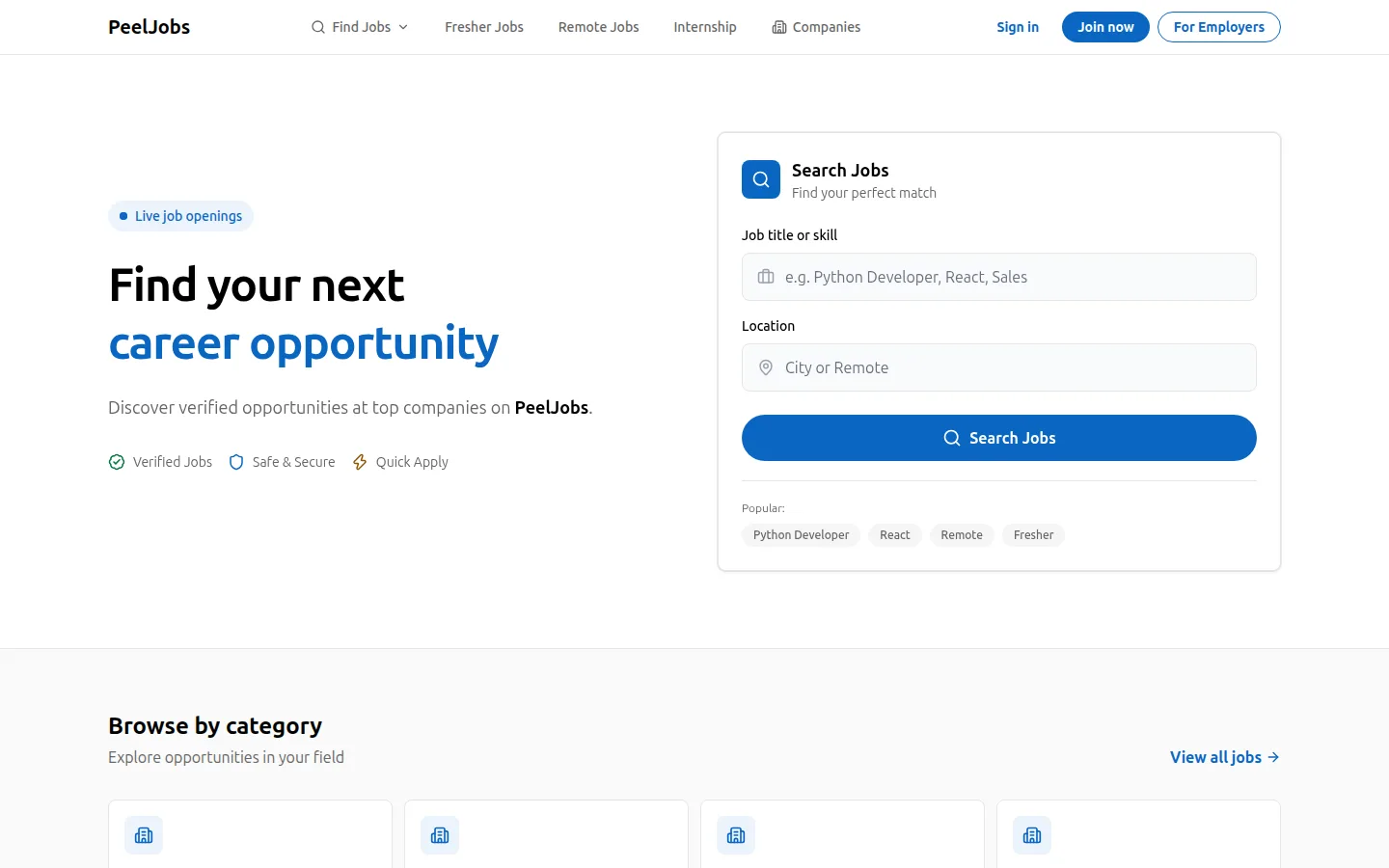
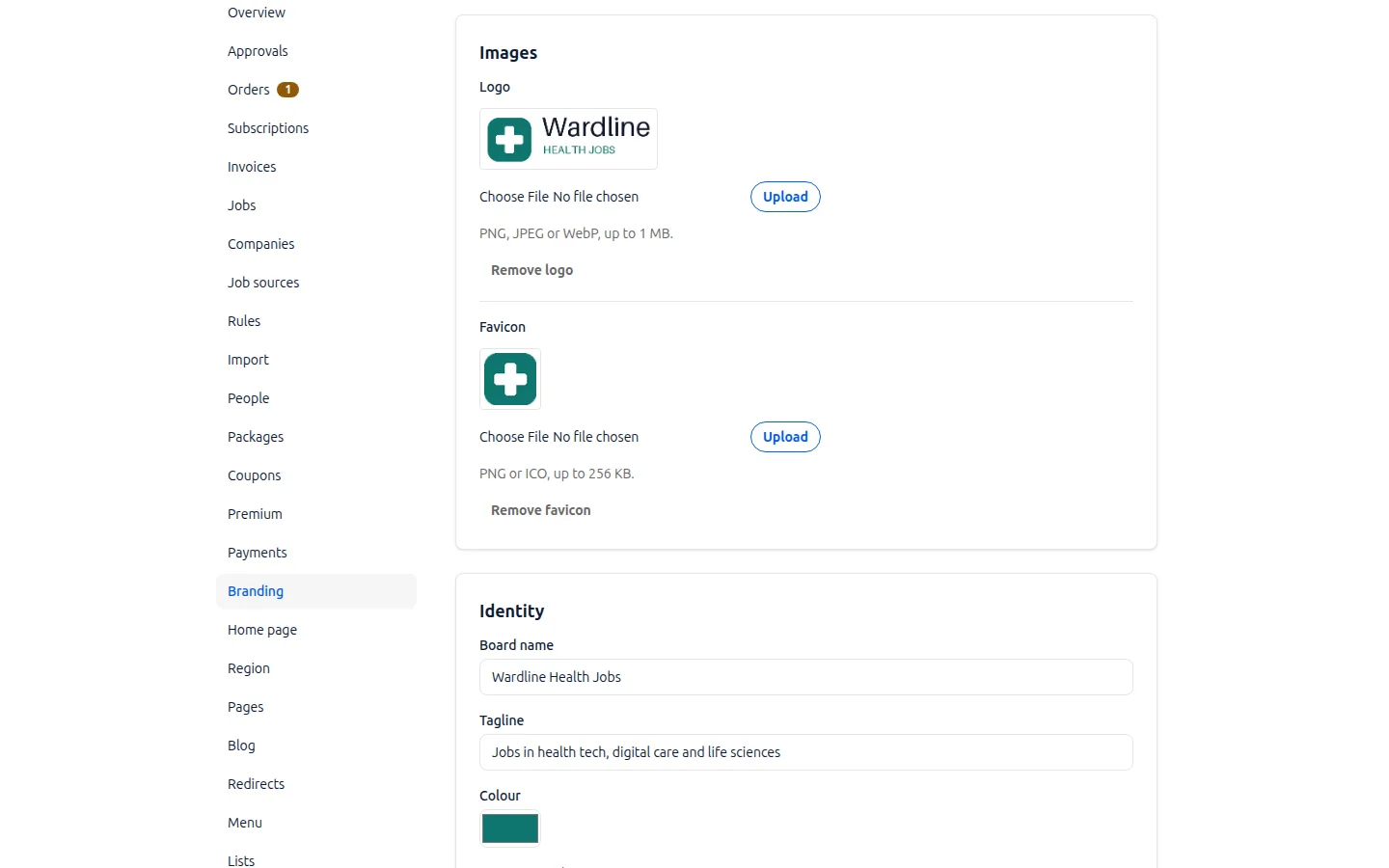
The board does not borrow your website’s header or footer, so you match it from the console. The Branding page takes your logo, a favicon and your colour. The Menu page swaps the board’s automatic menu for links of your own, each a path on the board or an https:// address, so a Home link can take visitors back to yoursite.com.
What job seekers and employers read about the board, such as how posting works, goes in the board’s own pages, not your website’s.
Why a link, and not a plugin
A job board plugin is code that runs inside your website, so it is yours to look after: its updates, its place among your other plugins, and the employer accounts and jobs it keeps. With a link, none of that sits on your side: JobClay runs the board, its updates and its certificate.
Spam goes the same way. Employer sign-ups and job posts land on the board, never in your website or its database. An employer who signs up with a password confirms the email address before signing in, sign-ups and applications are rate limited, and two switches on the console’s Approvals page hold new employers, and each job’s first publication, until you approve them.
If the main domain loses its records or stops reaching the board, JobClay emails the owner and keeps the domain primary for 7 days while the records are fixed. After that the board moves back to its jobclay.app address until the owner makes the domain primary again.
List the newest jobs on a page of your website
A page of your website can also list the board’s newest jobs, without any code from JobClay. The board publishes its 50 newest live public jobs as an RSS feed at /feed.xml, each item linking to its job. WordPress’s RSS block reads such a feed: add the block, paste the feed’s address and press Use URL, then choose how many items show and whether each shows its date and an excerpt.
Your website’s own block draws that list from the feed, so it shows titles and links, not the board itself, and its look is your theme’s.
Sources
- WordPress.org: RSS block. Read on .
Set it up
- 1
Start the board
Sign up and name the board. It answers on its first address straight away, so you can link it before anything else.
- 2
Choose a plan with your own domain
Skip this if the first address will do. Otherwise pick a plan with your own domain on the Billing page; the pricing page lists them.
- 3
Add the domain
On the Domains page, type jobs.yoursite.com, press Add domain and copy the TXT and CNAME records it lists.
- 4
Add the records
Put them where the domain’s DNS is managed, set to DNS only, and press Check now.
- 5
Make it primary
When the domain shows Connected, press Make primary. The board’s first address now redirects to it.
- 6
Link it from your menu
Add a Jobs link to https://jobs.yoursite.com/ in your website’s menu, and a Home link back on the board’s Menu page.
What it does not do
- JobClay has no WordPress plugin, Wix app, Webflow app or Squarespace extension, and no embeddable widget: the board cannot sit inside one of your website’s pages.
- The board does not share your website’s header, footer, fonts or sign-in. It keeps its own design, in your logo and colour, and its own accounts for job seekers and employers.
- A job board plugin suits you better if the jobs must live inside your website’s own pages and database, and you are ready to keep the plugin updated and its sign-ups clean yourself.
Questions
Anything else? See the plans, or start a free board and look around.
Can the job board sit inside one of my website’s pages?
No. JobClay has no embeddable widget and no plugin, so the board runs on its own address and your menu links to it. A page of yours can still list the newest jobs from the board’s RSS feed, through your builder’s own feed block where it has one.
Will the board slow my website down?
No. Nothing from the board loads on your pages: the menu link is an ordinary link, and JobClay serves the board, not your host.
Do I need a developer to connect the domain?
No. You copy two records from the Domains page into your DNS settings and press Check now, and the certificate needs nothing from you. If a check finds a problem, the page says which record is missing or points somewhere else.
Can the board use yoursite.com itself, not a subdomain?
On a plan with your own domain, yes: a root domain takes the A records the Domains page lists, and AAAA records where it lists them, instead of a CNAME. Your website then has to leave that address, so a subdomain such as jobs.yoursite.com is usually simpler.
What happens to the board if I move my website to another builder?
Nothing, as long as the two records stay in the domain’s DNS. Add the menu link again in the new builder, and if the DNS moves too, copy the records across.
What if the domain stops pointing to the board?
JobClay keeps checking it, and emails the board’s owner when the main address loses its records or stops reaching the board. The owner has 7 days to fix them; after that the board moves back to its first address, and the owner makes the domain primary again once the records are right.
Related
- Integrations The connections a JobClay board has: your website and domain, jobs in from hiring systems and feeds, jobs out to aggregators and Google, payments and webhooks.
- Job feeds Send your board’s jobs to Indeed, Jooble and Talent.com through XML feeds, and to Zapier, Make or a newsletter through RSS: what each holds, how to send it.
- Webhooks JobClay webhooks post six board events to a Zapier or Make step or your own code, signed with Standard Webhooks and retried for days. Events, payloads, setup.
- Help: Use your own domain Move your board from its jobclay.app address to a domain you own: the DNS records to add, the certificate, how long it takes and what to check.
- Branding Give your job board your logo and colour, arrange its home page and menu, add pages and a blog, reword it and its emails, and use your own domain on paid plans.
- WordPress job board plugin alternatives Running jobs on a WordPress plugin? Why sites move, what stays on WordPress, and five hosted job board platforms with dated prices and who each suits.
Start your job board today
Free plan, no card needed.