 JobClay
SmartRecruiters
How do I add jobs from SmartRecruiters to my job board?
Add a company that hires through SmartRecruiters as a job source, and JobClay fills your board from that company’s public job board on SmartRecruiters: the postings anyone can open on its SmartRecruiters career site, read on a schedule, with new jobs added, changed ones updated and the ones it stops listing closed. JobClay reads them without a SmartRecruiters account or API key, and nothing is set up on the company’s side.
What sets SmartRecruiters apart is pace. Its list of postings carries no job ads, so JobClay fetches each posting’s details on their own, up to 100 a run, and a company with hundreds of open jobs arrives over several runs.
Free plan, no card needed.
At a glance
| What arrives | Title, the job ad as the description, company name, city, region and country, remote or hybrid, job type, entry level, posted date and apply link; pay when it is yearly or monthly in your board’s currency. |
|---|---|
| Entry level | Marked by itself when SmartRecruiters gives the posting the entry level or internship experience level. |
| How often | Hourly, daily (the default) or weekly. Every run reads the company’s list, then fetches the details of up to 100 postings. |
| When a job closes | When a run that has every posting’s details no longer finds it. While postings wait, no run closes jobs, and one whose posting left stays up until your board’s job length, counted from the last run that read it, runs out. An empty list closes jobs only after 3 empty runs in a row over at least 24 hours. |
| Job sources | Each company is one job source: 1 on Free, 3 on Starter, 10 on Growth and 30 on Scale. |
Page updated .
Why a big company arrives over several runs
SmartRecruiters’ public Posting API answers in two steps. Its list of a company’s active postings gives each one’s title, location, department, type of employment and experience level, at most 100 to a request, but not the job ad: the description and the apply link come from a second request for that one posting.
So every run reads the list, then fetches the details of up to 100 postings it holds none for. Fetched details are kept from run to run while the posting stays listed, and fetched afresh when its entry in the list changes or, with calls to spare once new postings have theirs, once they are 15 days old, so an edit to the job ad still arrives.
Take a company with 450 open postings. Its first run puts up to 100 of them on your board and leaves 350 waiting, as its log says. Each later run fetches the next 100, so the whole company is in after 5 runs: about 4 hours after the first on the hourly schedule, 4 days on the daily one or 4 weeks on the weekly one. Run now can start the next run sooner, once every 10 minutes at most.
While any posting waits, the run closes nothing, so the jobs already on your board stay up. A run lists at most 10,000 postings: a company with more is only ever read in part, so the rest never arrive and no run closes its jobs.
350 postings wait for their details until the next run.What each posting becomes on your board
A posting arrives as one job, made from its list entry and its details together:
- Title and description: the posting’s name, and the job ad’s company description, job description, qualifications and additional information, each under its own heading.
- Company: the name SmartRecruiters gives with the posting, so there is none to type; pin one of your board’s companies on the source to put every job under it instead.
- Place and work mode: the city, region and country of its location, and remote or hybrid when the location says so, otherwise in office.
- Job type: its type of employment picks the term your job type list maps to it, such as Full-time or Contractor.
- Pay: the compensation’s lowest and highest amounts, when the currency is your board’s and the period a year or a month.
- Dates and applying: the release date as the posted date, while Use the posting date from the source is on, and the posting’s apply link, or else its page on SmartRecruiters.
- No end date: SmartRecruiters gives none, so a live job stays live while the list carries it, each run moving its end to your board’s job length from that day.
Sources
Entry level jobs, from SmartRecruiters’ own field
Each SmartRecruiters posting carries an experience level: internship, entry level, associate, mid-senior level, director, executive or not applicable. JobClay marks a job entry level by itself when its posting is at entry level or internship, so it turns up when job seekers filter your board for entry level jobs.
The other levels leave the job unmarked. A rule can still mark one, such as a graduate scheme its company files as associate.
Sources
Keep a global company to the jobs your board wants
Set your board’s country on the Region page and tick Only jobs in your board’s country on the source, and JobClay asks SmartRecruiters for that country’s postings alone: the list is shorter, and so is the wait for details.
The word filters and the rules act after the read, once details are in, so they do not shorten the first runs.
When the title has chef or cook or kitchen porter, from acmehotels (SmartRecruiters): give Job category › Kitchen

When the title has receptionist or front desk, from acmehotels (SmartRecruiters): give Job category › Front office

When the title has finance or head office, from acmehotels (SmartRecruiters): skip it
Sources
A company is checked before it is saved
When you add a SmartRecruiters source by hand, or change its company identifier, JobClay reads the company’s list once before saving. An identifier with no postings is refused on the form, with a note to check it, so a typo never becomes a source that quietly brings in nothing.
The identifier is what follows careers.smartrecruiters.com/ in the address of the company’s default career site, as SmartRecruiters’ documentation puts it. The form takes it alone, or that whole address, or one on jobs.smartrecruiters.com.
The same check means a company with no open jobs today cannot be added by hand; add it once it posts again.
Sources
- SmartRecruiters: Endpoints (Posting API). Read on .
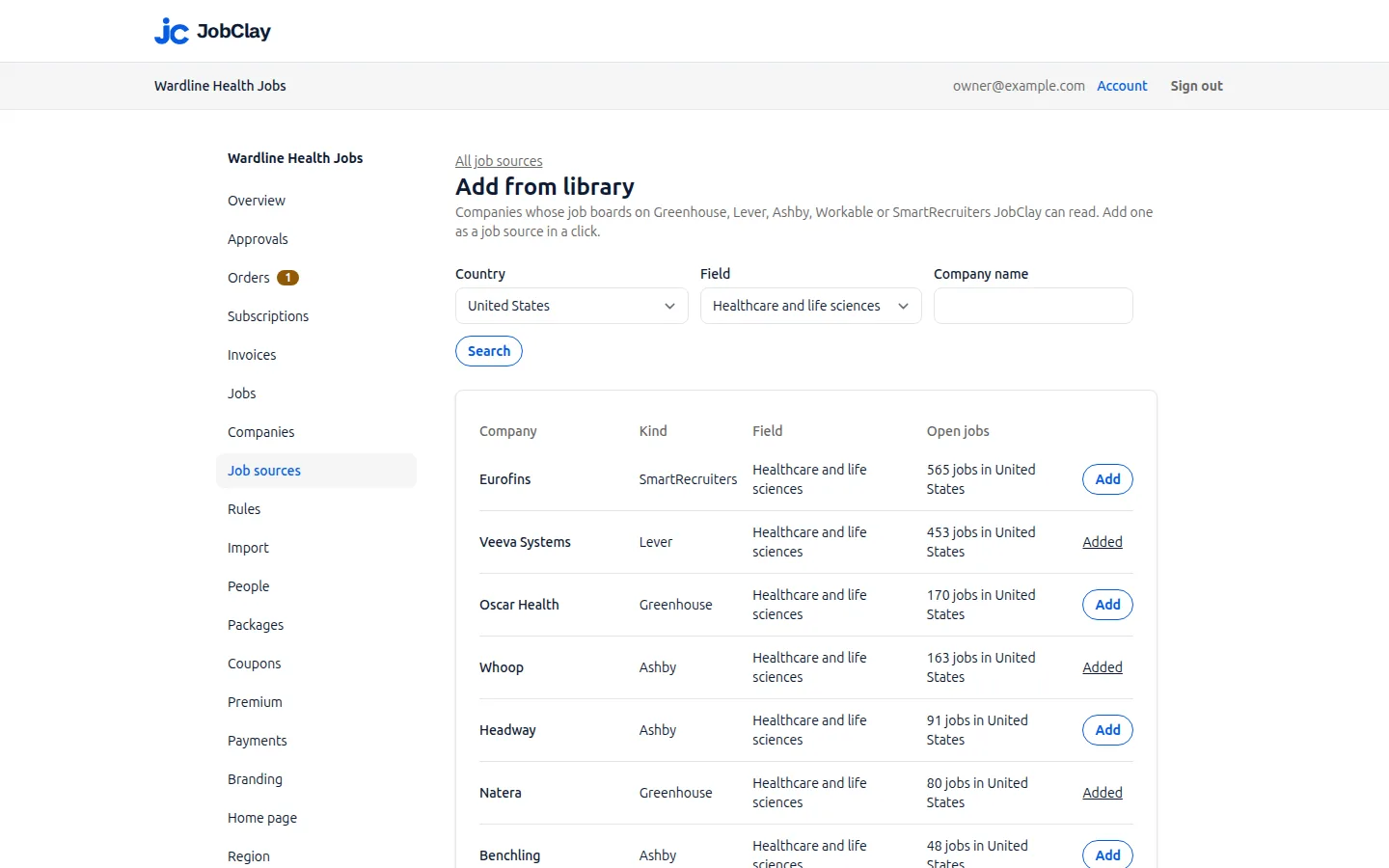
SmartRecruiters companies in the source library
The library’s weekly check reads a SmartRecruiters company’s list alone, never the details, so even a big company is counted in one pass.
Press Add beside one and it becomes a daily source, kept to your board’s country when the board has one; its first run starts shortly. Rules you make for it afterwards decide the postings later runs bring, new or changed. For the jobs already in, press Re-apply to existing jobs on the Rules page: it reaches live jobs only, and leaves a job waiting for room or your approval as the run left it.
Set it up
- 1
Find the company identifier
It follows careers.smartrecruiters.com/ in the address of the company’s SmartRecruiters career site.
- 2
Add it by hand, with On unticked
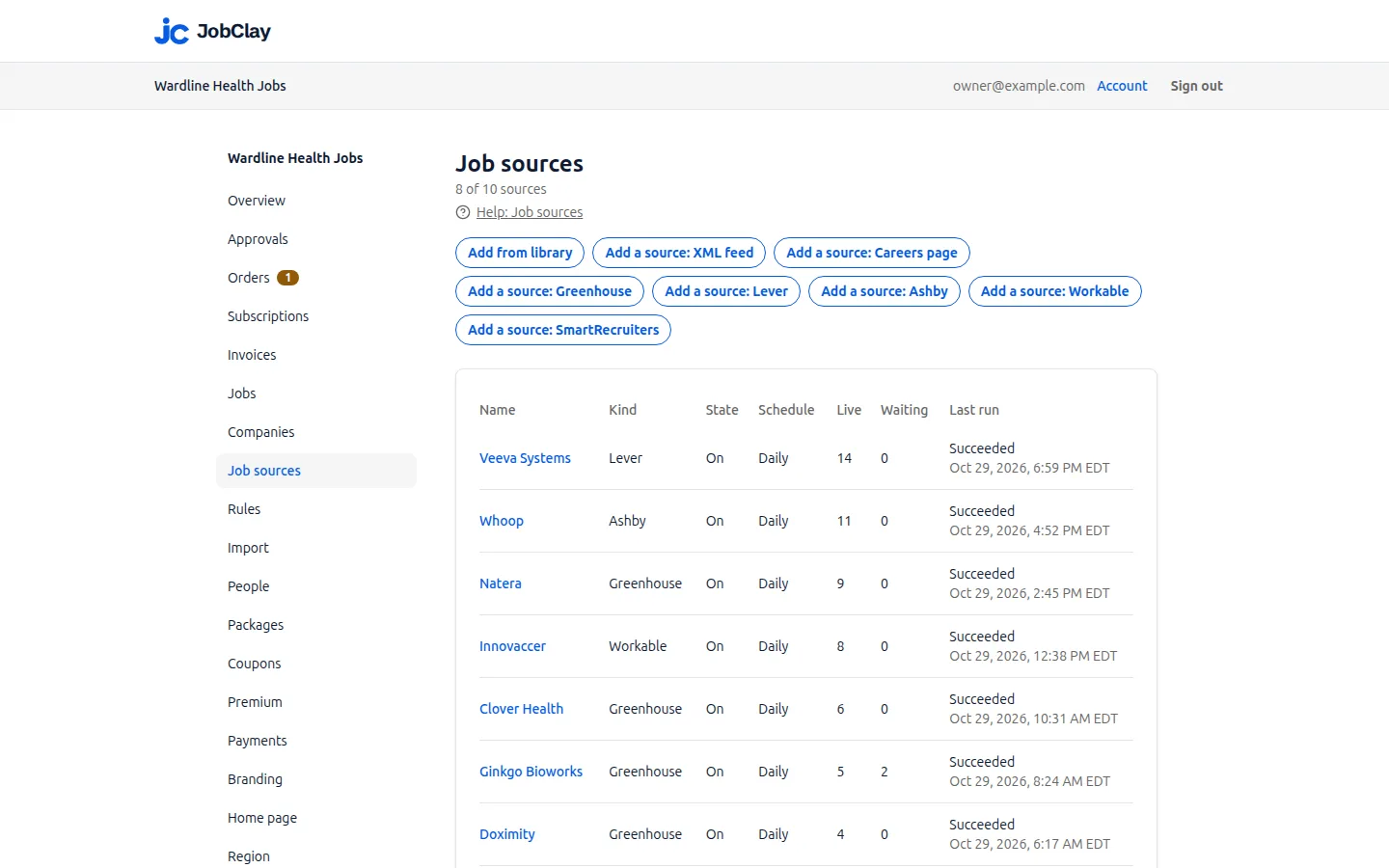
Press Add a source: SmartRecruiters, paste the identifier or the whole address into Board name, and untick On.
- 3
Keep it to your country
On the same form, tick Only jobs in your board’s country if the board serves one country, then press Add source. The company is checked before it saves, switched off or not.
- 4
Sort the jobs with rules
On Rules, pick this source, then give its jobs terms or skip the ones you do not want, before any has arrived.
- 5
Switch it on
On the source’s page, tick On and press Save. The first run starts shortly, and your rules sort every job it brings.
- 6
Or add it from the library
If Add from library lists the company, press Add there instead: the source is on at once. Make its rules next, then press Re-apply to existing jobs; it passes over jobs waiting for room or your approval, so press it again once they go live.
- 7
Watch the first runs
Under the source’s Runs, watch the waiting postings fall to none.
What it does not do
- JobClay reads the postings a company has made public on SmartRecruiters and nothing more: no internal postings, no SmartRecruiters account, and nothing sent back. Applicants apply on the company’s own apply page.
- A company with thousands of open postings arrives 100 postings a run, and no run closes any of its jobs while postings wait; one with more than 10,000 is only ever read in part.
- Departments, functions, industries and custom fields are not read, so no rule can sort jobs by them.
- Pay by the hour, day or week, or in a currency other than your board’s, is left off the job.
Questions
Anything else? See the plans, or start a free board and look around.
Do I need a SmartRecruiters login, or anything from the company?
No. JobClay reads the postings the company has already made public, the ones anyone can open on its SmartRecruiters job board, so nothing is set up on either side.
Why did my new SmartRecruiters source bring in only some of the company’s jobs?
Details arrive 100 postings a run, so a bigger company fills in over the next runs, up to the 10,000 postings a run lists, and each run’s log says how many still wait. Keeping the source to your board’s country shortens the wait.
Can I take only one country’s jobs from a company that hires worldwide?
Yes. Set the board’s country on the Region page and tick Only jobs in your board’s country on the source. SmartRecruiters then sends that country’s postings alone, and a job that names no place in that country is skipped.
Will internships and graduate jobs show as entry level?
Internships and entry level postings do, from SmartRecruiters’ own experience level. A graduate job its company files at another level does not, until a rule marks it, for example by the word graduate in its title.
What happens when a job closes, or the company moves off SmartRecruiters?
A job closes once a full run no longer lists it; one that went live keeps its page, marked closed, and comes back if the posting does. An empty list closes jobs only after 3 empty runs over 24 hours or more; add the company again from its new hiring system or its careers page.
Related
- Integrations The connections a JobClay board has: your website and domain, jobs in from hiring systems and feeds, jobs out to aggregators and Google, payments and webhooks.
- Workable Bring jobs from any company’s public Workable careers page into your JobClay board, with entry level read from its experience field and rules for the rest.
- Greenhouse Fill your job board from companies’ public Greenhouse job boards: what JobClay reads, when pay shows, EU boards, entry level rules and when jobs close.
- XML feeds and careers pages Fill your job board from an XML feed, in Indeed’s format or mapped field by field, or from the JobPosting data on a company’s own careers pages.
- Job sources Fill a new job board from a company library, Greenhouse, Lever, Ashby, Workable, SmartRecruiters, XML feeds and careers pages, with rules and duplicate checks.
- Help: Job sources Fill your board with jobs from the source library, hiring systems, XML feeds and careers pages, and choose which go live with settings, rules and approval.
Start your job board today
Free plan, no card needed.